

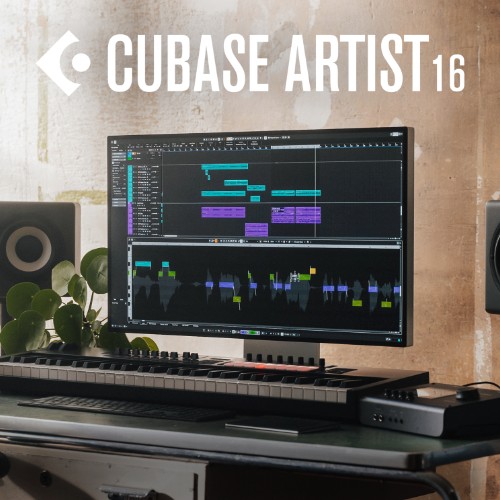

Update from Cubase Artist 6-11 to Cubase Artist 16
Cubase 16 builds on Steinberg's music production environment with new tools for sound design, MIDI editing and audio processing. From creating layered instruments to refining audio with improved stem separation, version 16 offers new possibilities for music production and a more flexible workflow.
Features
-
Instrument Stacks for combining multiple instruments
-
DrumChain multi-effects processor for drums
-
Module FM library with 200+ HALion Sonic presets
-
Strum for more natural chord performances in the Key Editor
-
MIDI Stretch for melodies, chords and basslines
-
Redesigned tempo detection
-
VocalTouch for quick vocal shaping
-
Waves Illugen integration for creating and importing custom samples
Mac:
- macOS Sequoia (15) / macOS Tahoe (26) / macOS Golden Gate (27)
- Intel Core i5 (2018 or later) or Apple silicon
- RAM: 16 GB minimum
- 4 or more CPU cores
- 89 GB free disk space (full installation) / 15 GB (core installation)
Windows:
- Windows 10 Version 22H2 or higher / Windows 11 Version 25H2 or higher
- 64-bit
- Intel Core i5 (8th generation) / AMD Ryzen 3000 Series or Windows on Arm processor
- RAM: 16 GB minimum
- 4 or more CPU cores
- 89 GB free disk space (full installation) / 15 GB (core installation)
Additional requirements:
- Minimum display resolution: 1440 x 900
- Graphics card with Metal support (Mac) or native Windows 10 support (Windows)
- 4 GB GPU memory or higher recommended for 4K displays
- Internet connection required for activation, account setup and product registration
You always get the latest software version (or a free update) available at purchase/registration date.
Enregistrement Requis:
Steinberg products require you to register with the manufacturer at www.steinberg.net to activate your license.
This product requires an activation!
An internet connection is required to authorize / activate the product.