
Free Cinematic Strings
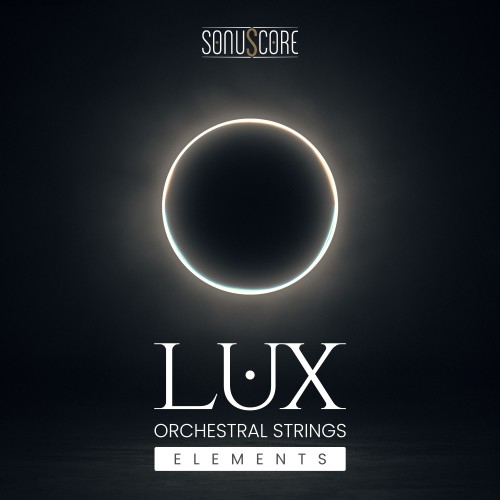
LUX Orchestral Strings Elements gives film, TV, and game composers immediate access to a cinematic string foundation. Built from the same recordings as the full LUX library, it delivers the core orchestral string sections and essential articulations needed to begin writing real cues without barriers.
Designed as a true entry point into the LUX sound, it lets you audition the library directly inside your own sessions. From melodic lines to tension driven textures, it provides a focused and authentic starting point for professional orchestral writing.
Features
-
Five string sections including 1st violins, 2nd violins, violas, celli, and basses
-
Four core articulations Sustain, Spiccato, Tremolo, Sul Ponticello Tremolo
-
Same recordings as the full LUX Orchestral Strings library
-
1st violin legato demo one octave for phrasing and transition preview
-
Free to download and keep

This product requires the free Native Instruments Kontakt Player, the latest version can be downloaded through Native Access, Native Instrument’s download manager!
The minimum required Kontakt version for this product is stated in the product description or can be found on the manufacturers website.
System Requirements:
Mac:
- macOS 11, 12, 13
- 64 bit
- Intel Core i5 or Apple Chip
- RAM: 4GB (6GB recommended)
Windows:
- Windows 10 or 11
- 64 bit
- Intel Core i5 or similar CPU
- RAM: 4GB (6GB recommended)
Supported Interfaces:
- Mac (64-bit only): Stand-alone, VST, VST3, AU, AAX
- Windows (64-bit): Stand-alone, VST, VST3, AAX
Legacy Versions:
If you require legacy installers of Kontakt Player please refer to this Knowledge Base Article.
Enregistrement Requis:
Sonuscore products require you to register with the manufacturer at www.sonuscore.com to activate your license. To use Kontakt Player Libraries you also need to register with www.native-instruments.com.
This product requires an activation!
This product requires Native Access for installation, registration and activation. Start the Native Access-Software and log in using your Native Instruments credetials to start the setup.
To sucesfully activate your product Native Access requires a working internet connection.
An Offline Activation on a different computer is Not Available with this product.
