


Update from RX Post Production Suite 1–8.6 to RX Post Production Suite 9
This update is designed for existing users of RX Post Production Suite versions 1 through 8.6 who want to bring their full post-production workflow up to the latest standard. It is the next step for anyone already working with the suite and looking to benefit from the latest advancements in audio restoration, mixing, sound design, and workflow performance.
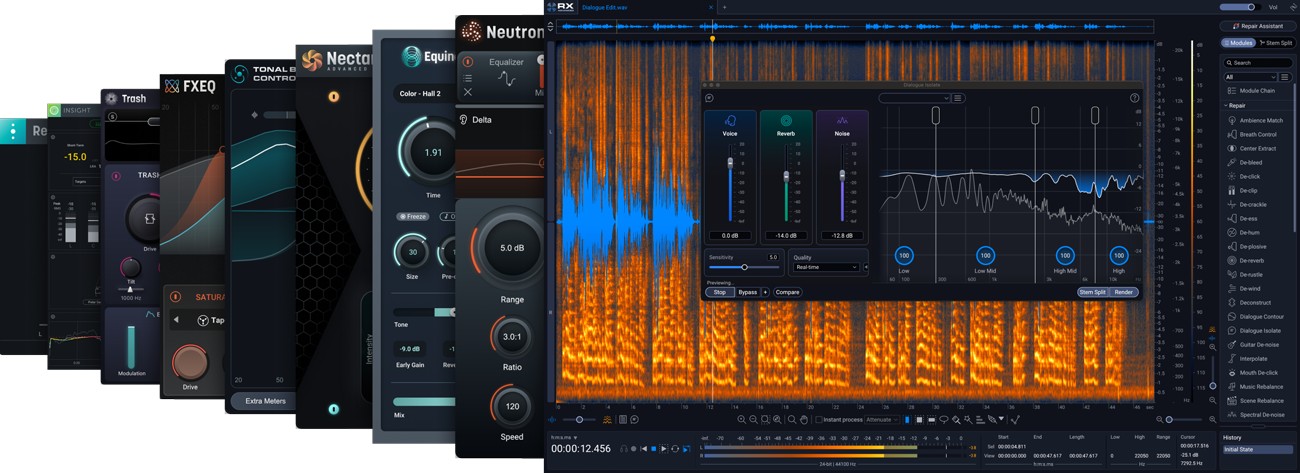
Post Production Suite 9 expands your existing setup into the latest generation of a complete post-production ecosystem. With updated tools such as RX 12 Advanced, Neutron 5, Nectar 4 Advanced, Equinox, and Insight 2, you gain more control, speed, and precision at every stage of production – from initial editing through to final delivery.
New creative additions like Trash and FXEQ also bring expanded possibilities for modern sound design and creative audio shaping into your workflow, while improved performance and optimized workflows ensure even more efficient production.
What to expect in Post Production Suite 9
-
Complete post-production ecosystem for repair, mixing, sound design, and final delivery
-
RX 12 Advanced as the central tool for professional audio restoration
-
Neutron 5 for intelligent mixing and precise sound shaping
-
Nectar 4 Advanced for professional vocal and dialogue processing
-
Equinox for immersive reverb and spatial design
-
Insight 2 for precise loudness metering and delivery compliance
-
New creative tools such as Trash and FXEQ for modern sound design
-
Optimized workflows for faster and more efficient post-production processes
With Post Production Suite 9, you bring your existing setup up to current industry standards and gain a fully integrated ecosystem for professional audio work – from repair to final delivery.
Mac:
- macOS Sonoma (14.7.x), macOS Sequoia (15.7.x), macOS Tahoe (26.4.x)
* Supported on Intel Macs and Apple silicon M-series Macs (in native & Rosetta).
Windows:
- Windows 10 (22H2), Windows 11 (24H2)
Enregistrement Requis:
iZotope products require you to register with the manufacturer at www.izotope.com to activate your license.
This product requires an activation!
An internet connection is required to authorize / activate the product.