


The Complete Acoustica Suite for Professional Post Production
Acoustica 8 Ultimate is the most comprehensive edition of the audio editing, restoration, and mastering platform. It combines the complete Premium toolset with additional processing for complex post-production and immersive audio workflows.
With support for up to 16 channels and immersive formats up to 9.1.6, Ultimate is designed for advanced surround projects, film sound, broadcast, and professional audio post production.
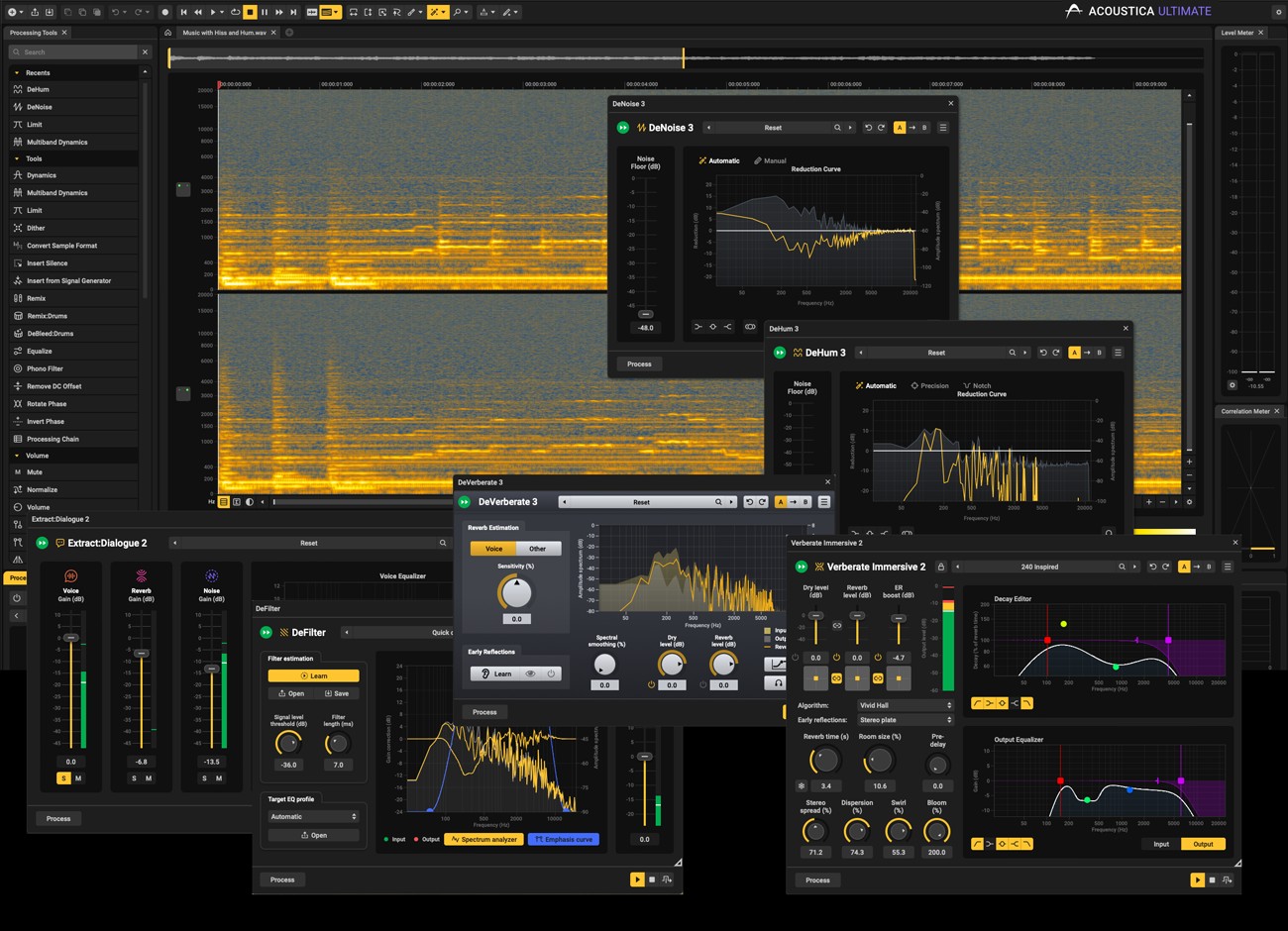
Restoration and Dialogue Processing
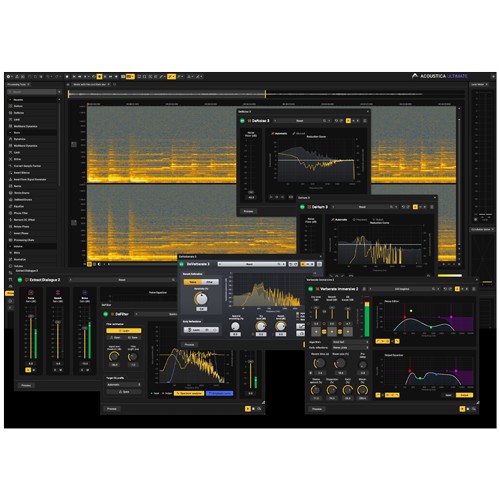
Machine-learning-based tools such as DeNoise 3 and Extract:Dialogue 2 assist with cleaning difficult recordings, while the Spectral Editor enables precise treatment of individual unwanted sound events. Improved interpolation and retouch functions help reconstruct even larger damaged audio regions as naturally as possible.
In addition to the tools included with Premium, Ultimate features DeVerberate 3, DeFilter, and Verberate Immersive 2, extending Acoustica with additional tools for room correction, audio restoration, and immersive reverb production.
Features
- Standalone audio editor
- Up to 16 channels
- Immersive audio formats up to 9.1.6
- Spectral editing
- Full version of DeNoise 3
- Extract:Dialogue 2 and Full Dialogue Cleaning Suite
- DeVerberate 3
- DeFilter
- Verberate Immersive 2
- Drum Production Suite
- Remix stem separation
- Mixing and mastering suite
- Tools also available as DAW plug-ins
- ARA2 support
- AAX Transfer plug-in for Pro Tools
- 6 months of Soundly Pro
- Perpetual license with no subscription required
Acoustica 8 Ultimate is aimed at professional audio engineers, sound designers, and post-production specialists who need restoration, mixing, mastering, and immersive audio processing in one comprehensive environment.
Mac:
- macOS 10.9 or higher
- Intel Core i3 (Intel Core i5 recommended)
- RAM: 4GB
- 1366x768 or higher display resolution
Windows:
- Windows 7 or higher
- Intel Core i3 or AMD multi-core processor (Intel Core i5 recommended)
- RAM: 4GB
- 1366x768 or higher display resolution
Required Registration:
Acon Digital products require you to register with the manufacturer at www.acondigital.com to activate your license.
This product requires an activation!
An internet connection is required to authorize / activate the product.