

Deals
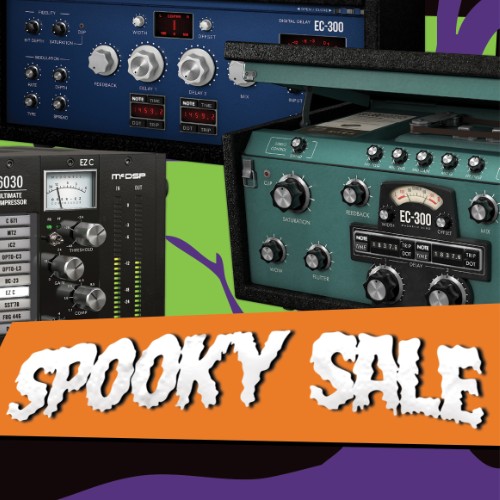
Get select McDSP plugins now on sale!
McDSP, founded in 1998 by Colin McDowell, stands for audio software with a clear mission: uncompromising innovation that sets the standard worldwide.
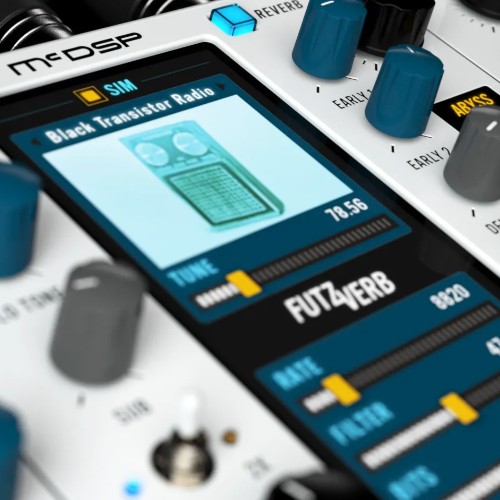

The Ultimate Audio Mangling Processor
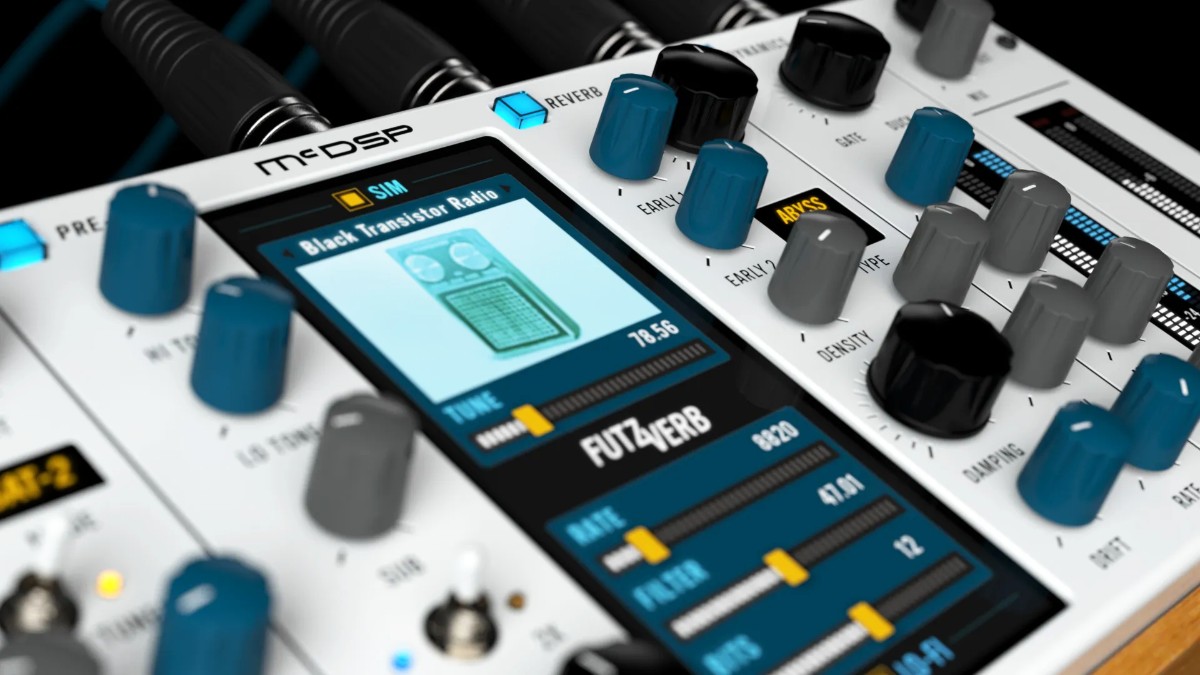
FutzVerb combines filter, distortion, lo-fi effects, sub octave generation, device simulation, and reverberation into one versatile audio processor. Building on the beloved FutzBox, it adds a sub octave generator, relocatable SIMs, and Lo-Fi effects that can be applied before, after, or inside the reverb engine, giving you unmatched control over every layer of your sound. Its reverb engine includes multiple reverb and reflection types, two early reflection stages, drift modulation, and stereo field adjustment, while a post-reverb dynamics section allows gating or ducking of the output to shape your mix precisely.
With FutzVerb, you get highly optimized SIMs that allow for real-time scaling and swapping with minimal DSP load, delivering the accuracy of convolution modeling without the performance hit. From the subtle warmth of a club to the sci-fi expanse of a distant abyss, FutzVerb provides endless sonic possibilities, transforming your audio with creativity, weight, and texture.
Features
-
Library of Synthetic Impulse Models that can be placed before, after, or inside the reverb tank
-
Configurable ‘futz’ effects including filtering, EQ, distortion, down sampling and bit reduction
-
Compact and powerful reverb with several reverb types, reflection models, and many processing controls including pre-delay, modulation, damping, and stereo field adjustment
-
Sub octave generator for 1x and 2x pitched sounds, still synced in time with original pitch signal
-
Reverb gating and ducking
-
Double precision processing
-
Zero latency
-
Mono and stereo algorithms
Mac:
- macOS 10.10-12
- Support for Intel and Apple silicon processors
- 64 bit
- AAX Native, AU, and VST3 plugin-format (no VST)
Windows:
- Windows 10
- AAX Native, AU, and VST3 plugin-format (no VST)
Required Registration:
McDSP products require you to register with the manufacturer at www.mcdsp.com and with www.ilok.com to activate your license.
This product requires an activation!
You can either "soft" activate on your computer without addditional hardware or transfer the license to an iLok USB dongle which has to be purchased separately. The iLok dongle can be used to run the protected software on different computers. Your licenses can be easily manged using the iLok Licence Manager. To protect your investment against theft or loss we recommend the iLok Zero Downtime protection with TLC.
An internet connection on any computer and a free user-accout at www.ilok.com is required to authorize the product.
Please check with the software manufacturer which iLok version is required at least if you want to use a hardware iLok!